ID Card Masking - How Much Do You Have to Cover?
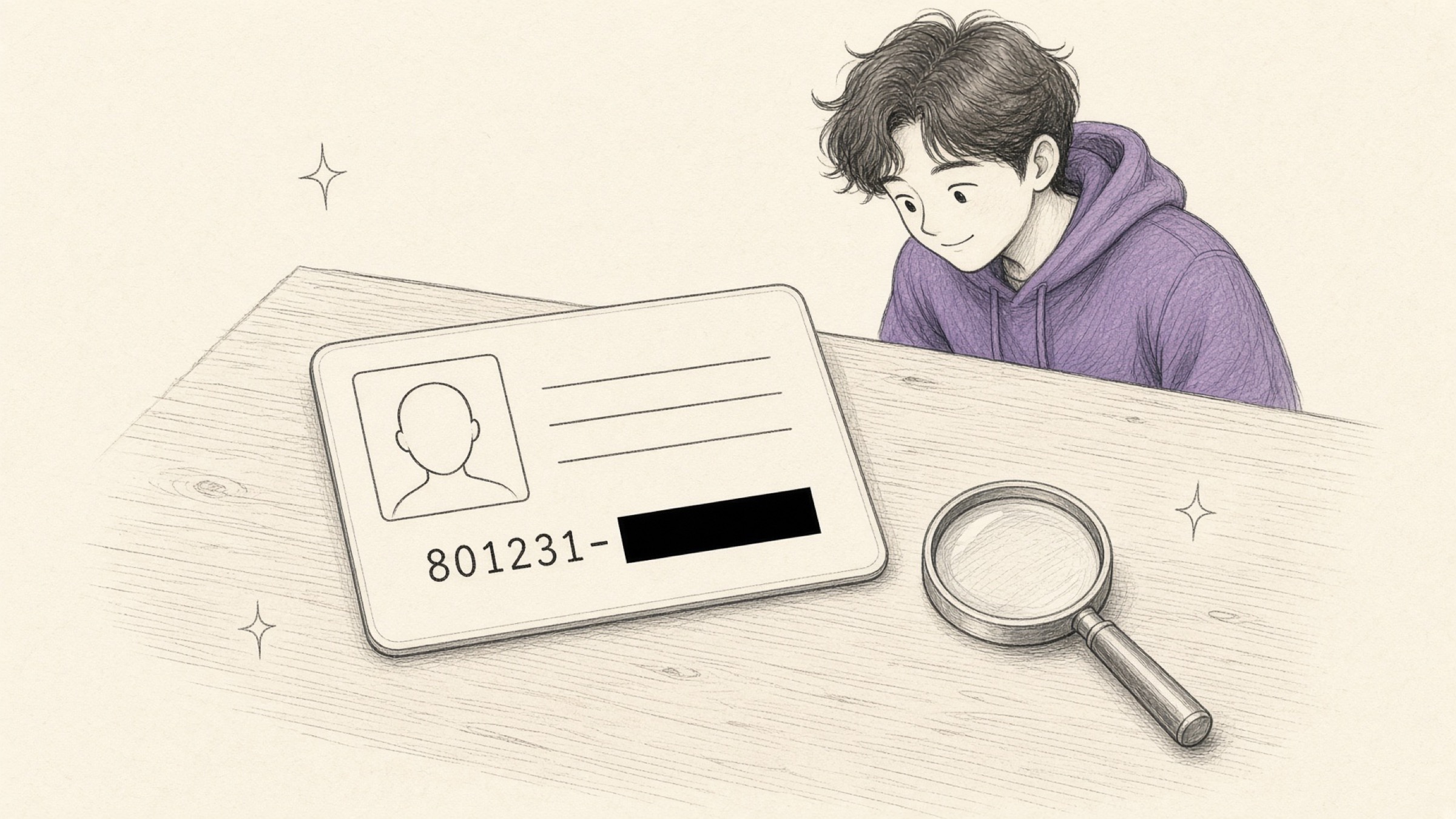
ID card masking starts with a sentence you have heard before: "just send a photo of your ID." It comes up when you file paperwork for a government grant, when you apply for a loan without visiting a branch, and again on your first day at a new employer.
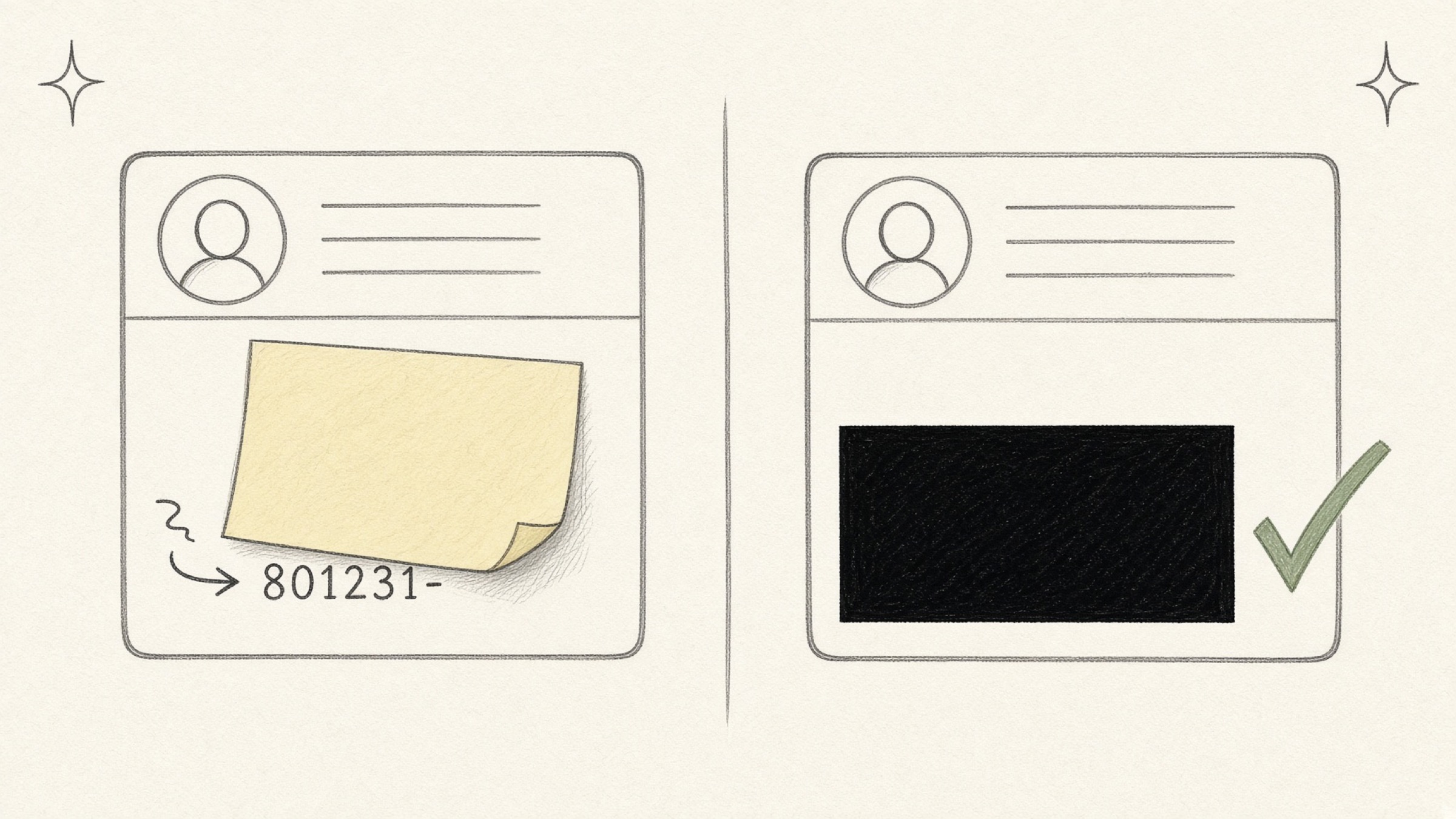
And most people reach for one of two habits. Stick a sticky note over the second half of the registration number and take the photo again, or drop the picture into a slide, lay a black rectangle on top, and screenshot the result.
Both work, in the sense that something is covered. Both also leak more readily than you would guess. It is worth starting with why proper masking matters at all.
- A rule for what to cover and what to leave in each situation.
- The basis for choosing between a black box, pixelation, and blur.
- The trap hiding in the two methods most people already use.
Is ID card masking really necessary, or is that overcautious?
It is a fair first question. One copy of an ID card hardly feels dangerous on its own.
Korean law already treats it as dangerous. Article 24-2 of the Personal Information Protection Act provides that a resident registration number may not be processed without a basis in statute.
The recipient cannot demand the full number unless they genuinely need it, and where the purpose is simply confirming who you are, a name and date of birth often suffice.
The harm is not hypothetical either. After ID card copies leaked through messenger phishing, criminals used them to activate new mobile phone lines in the victims' names, cleared identity verification inside fintech apps, and drew down loans.
Twenty-nine victims, 338 transactions, and 2.4 billion won claimed in dispute mediation.
A copy by itself does not turn into money. What it becomes is the starting point for identity verification. Once a phone line exists in your name, every check after that falls in sequence. One victim was left carrying interest of 14.9%.
ID card masking: what do you cover and what do you leave?
The standard is the one stated above. Leave only what the purpose requires. Here are the four situations that come up most.
| Situation | Leave | Cover |
|---|---|---|
| Second-hand trade verification | Name and date of birth, roughly | Second half of the registration number, licence and passport numbers, address, issue date |
| Remote lending and finance | The items the institution listed | Everything not on that list, the number's second half above all |
| Employer or part-time paperwork | Name, date of birth, photo | Second half of the registration number, detailed address |
| Bank passbook copy | Bank name, account number, account holder | Registration and phone numbers printed on the copy |
That said, the required items the recipient officially publishes always come first. Some procedures in tax and insurance do call for the complete registration number under statute. When it is unclear, asking "do you need the second half as well?" once is enough to cut a lot of unnecessary exposure.
If you have to submit an ID and a passbook copy together, mask each one and then bundle them with Image to PDF so the whole thing arrives as a single file.
Black box, pixelation, blur - aren't they the same?
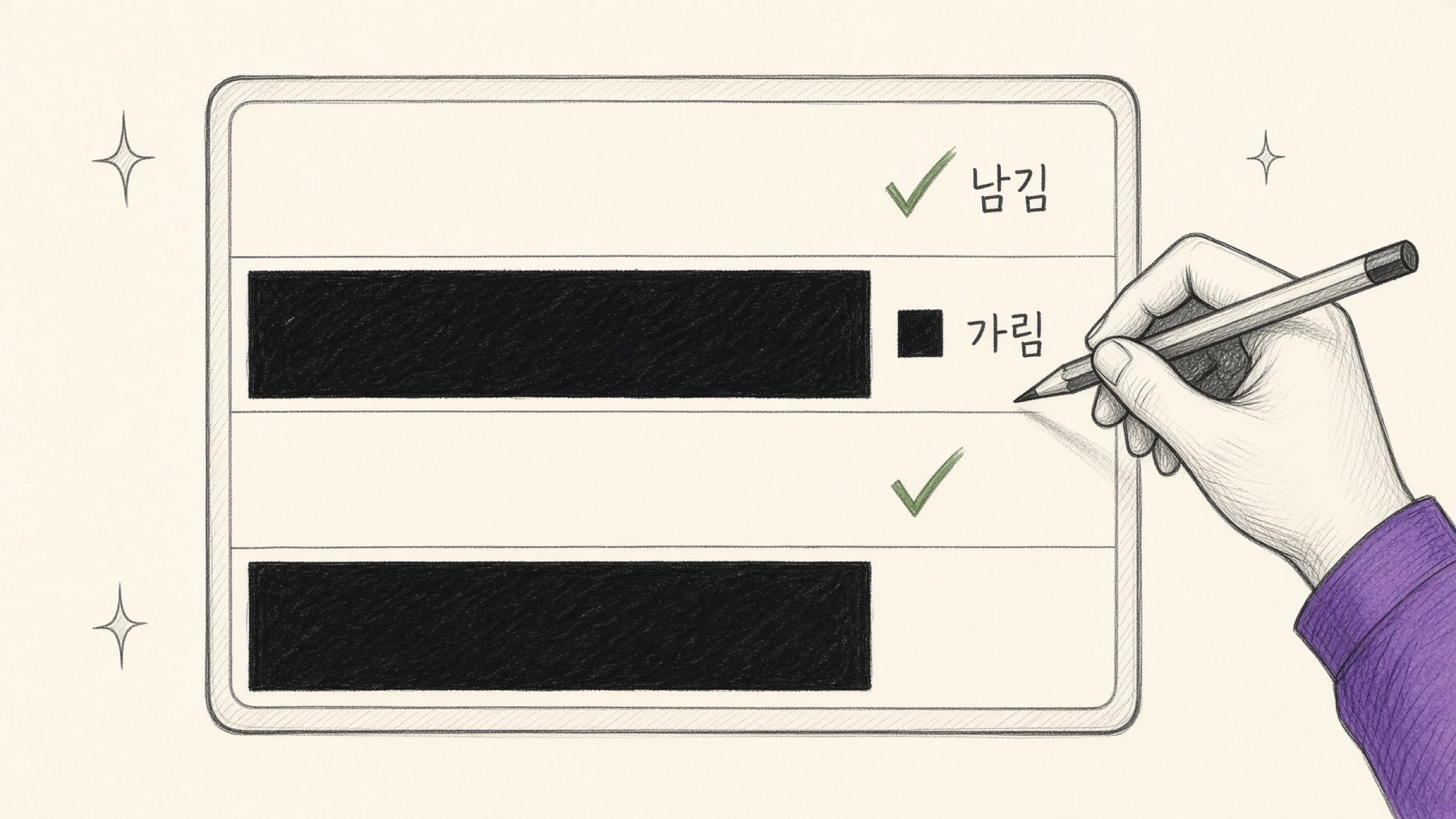
This is the part that matters most. The three look similar on screen but diverge completely on one question: can it be undone?
Pixelation leaves part of the original pixel information in place. The security research firm Bishop Fox released a tool called Unredacter and demonstrated that recovering pixelated text is genuinely possible.
The principle is that written characters come from a limited set, so an attacker can try candidate combinations until the output matches.
Blur fails for the same reason. Unredacter targeted pixelation specifically, but the only method Bishop Fox put forward as safe was covering the text outright with a solid black bar.
| Method | Original pixels | Use on sensitive data? |
|---|---|---|
| Black box | Covered completely | Recommended |
| Pixelation | Partly retained | Recovery has been demonstrated |
| Blur | Partly retained | Not recommended |
For tidying the background behind a portrait, blur looks natural and works well. But when the goal is hiding characters such as a registration number or an account number, the black box is the answer.
So what is wrong with sticky notes and slide rectangles?
Both are common, and each leaks by a different route.
Put a black rectangle over the photo in PowerPoint or a PDF editor and send that document file as it is, and the moment the recipient clicks the shape and drags it, the original underneath appears. If you worked in a document editor, you have to export a flat image before it goes anywhere.
Shoot at a slant or catch a reflection and digits leak around the edge. Reshooting repeatedly degrades the image, too. Taking one clean photo and covering the exact region digitally is better for quality and for security.
How do you actually do ID card masking?
Upload the photo to Privacy Mask and it comes down to three steps.
- Upload the photo: an ID, a passbook, or a document
- Drag over what to cover: several regions can be marked at once
- Pick a method and download: black box for anything sensitive
The file is never sent to a server; everything happens inside your browser. Because the covering is baked into the image itself, the "drag the shape and it reappears" problem cannot occur.
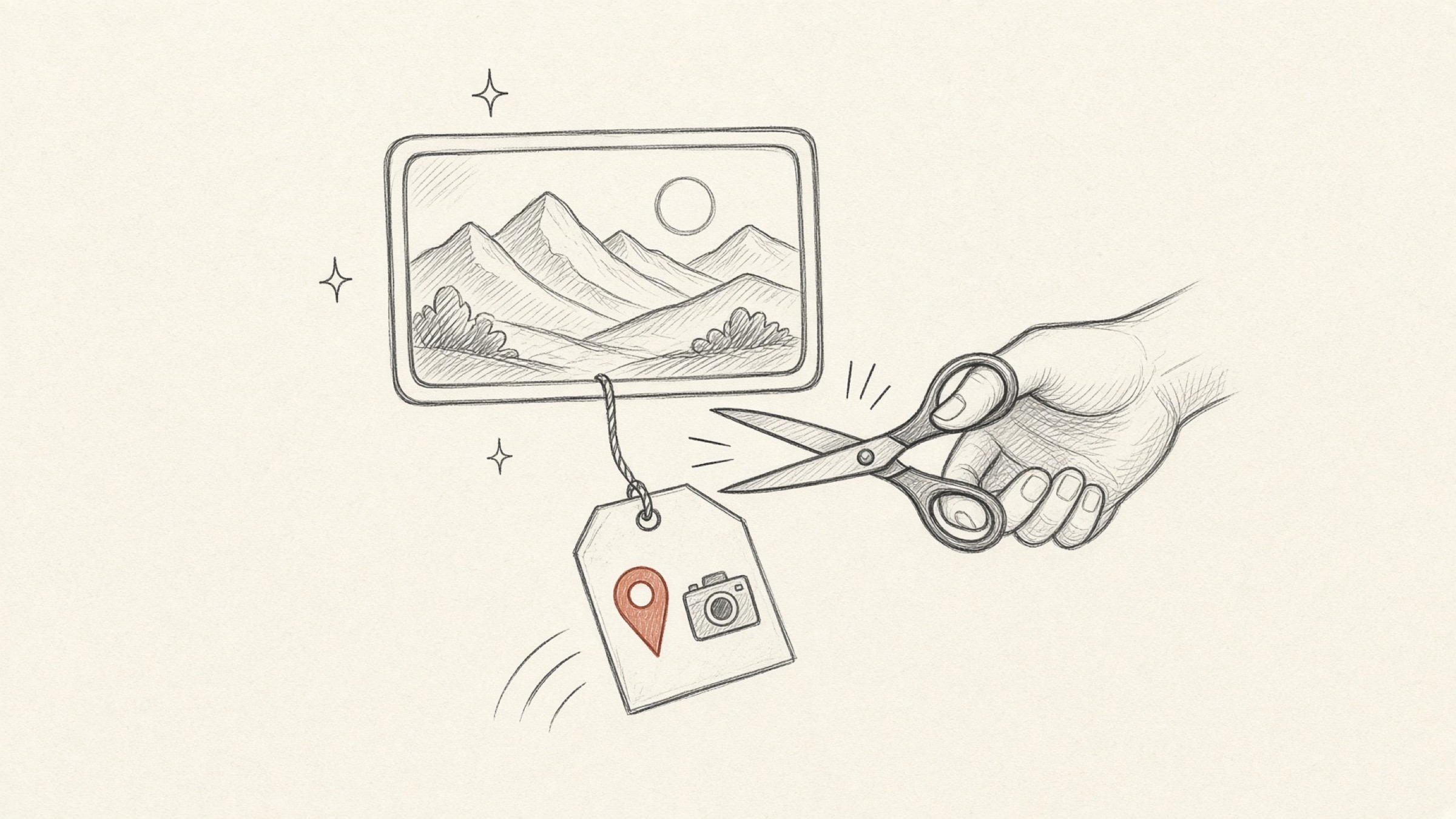
One thing to add: smartphone photos frequently hide metadata such as the capture location (GPS) and device details. Photograph your ID at home and your home coordinates may be sitting inside the file. This tool strips that metadata as part of the masking run.
In one line
The principle behind ID card masking comes down to one thing. Leave only the minimum the request needs, and cover anything sensitive with a black box that cannot be reversed. Rather than laying shapes over a document, export the masking baked into the image.
If you have a file to cover right now, Privacy Mask will handle it in the browser.
References
- Seoul Shinmun, "Remote loan losses from leaked ID card copies" (9 August 2023): 29 victims, 338 transactions, 2.4 billion won claimed in dispute mediation. Read the article
- Bishop Fox, "Never, Ever, Ever Use Pixelation for Redacting Text": release and demonstration of Unredacter, a tool that recovers pixelated text. Read the original
- Personal Information Protection Act Article 24-2 (Restrictions on Processing Resident Registration Numbers). Korean Law Information Center