Why 84㎡ Is 34 and 25 - Pyeong Conversion
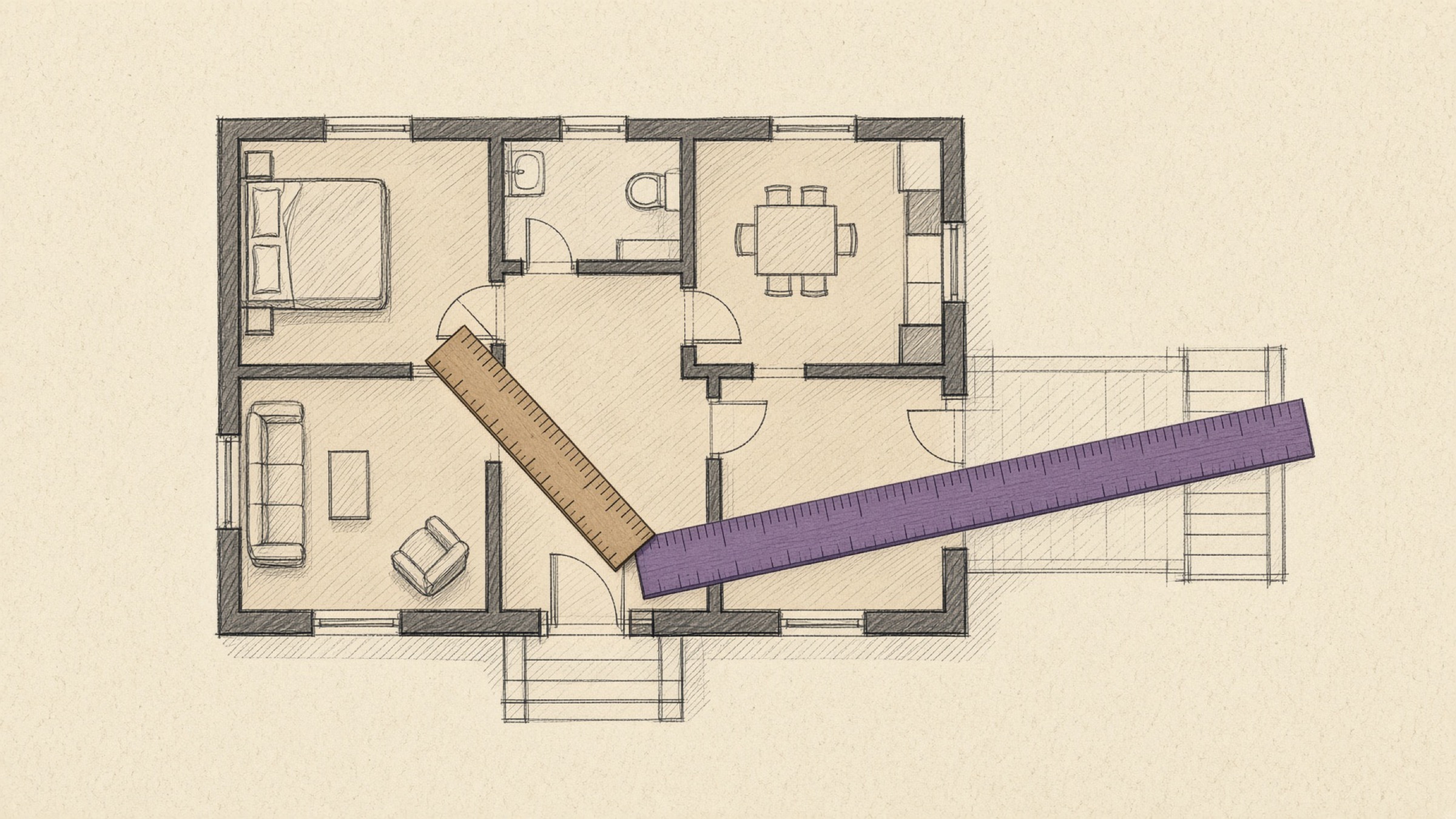
Look at the same Korean apartment twice on a property app and the pyeong conversion has changed under you. The listing card says 34 pyeong while the detail page says an exclusive area of 84㎡, and running the numbers yourself gives 25. Is this even the same home?
Both numbers are right. Exclusive area and supply area are two different areas that count different things from the outset, and each has simply been run through the same pyeong conversion. The question is not which one is real, but which one you happen to be looking at.
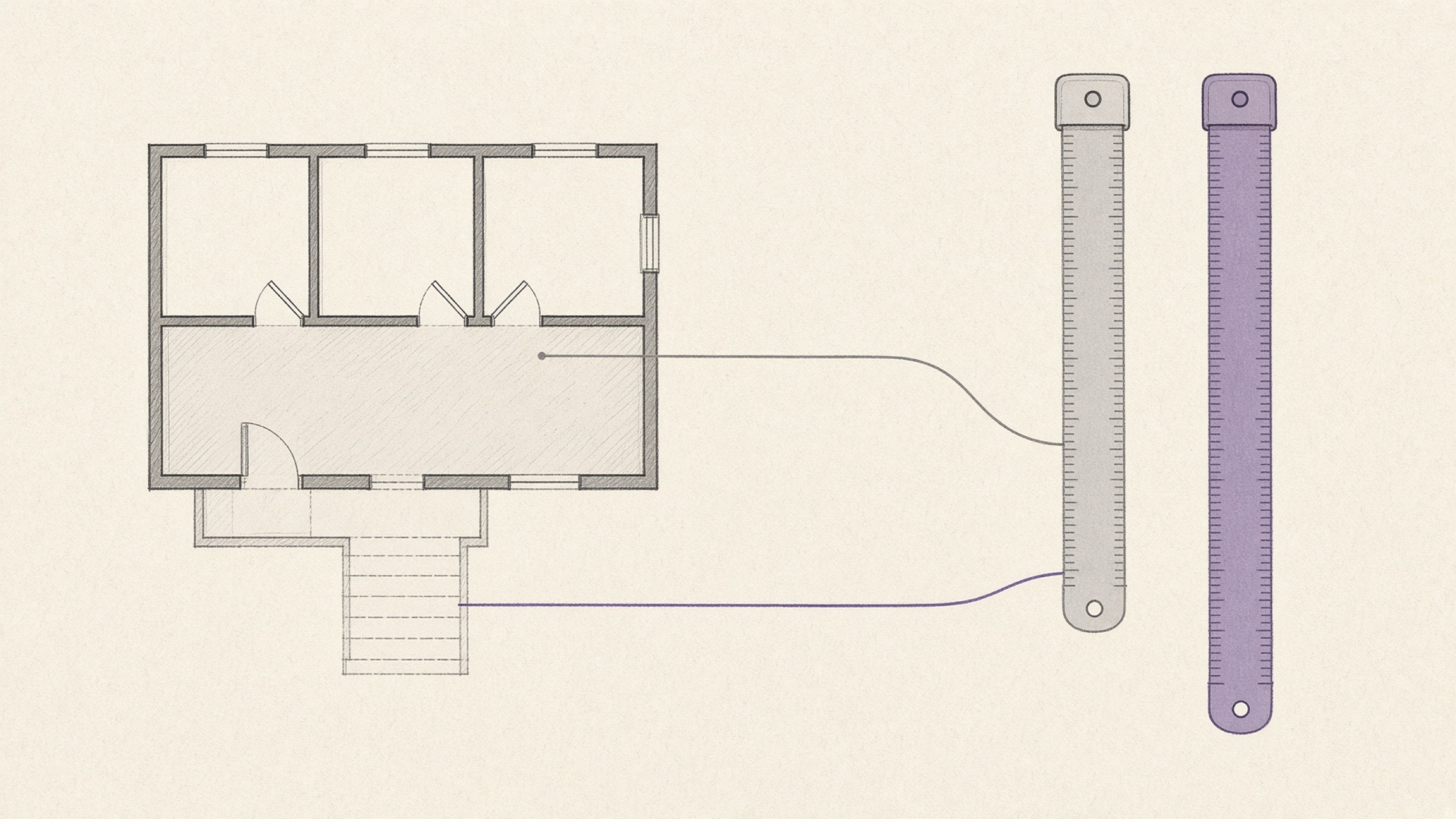
- The reason one home is 25 pyeong and 34 pyeong at once.
- How far off you land when you round one pyeong to 3.3.
- Which area to check before you sign anything.
What is going on: one home with two pyeong figures
Start with the pyeong conversion itself. One pyeong is the area of a square six ja on each side, which comes to exactly 400/121㎡, or about 3.3058㎡ in decimal form. Divide 84 by 3.3058 and you land on roughly 25.4 pyeong.
Yet the listing calls that same home a 34-pyeong unit. Nothing is miscalculated. The advertisement simply converted a number other than 84. The 25.4 comes from converting 84㎡; the 34 comes from converting a larger area altogether.
| What was counted | ㎡ | In pyeong |
|---|---|---|
| Inside the front door only | 84㎡ | About 25.4 pyeong |
| Plus stairwells and corridors | 110㎡ or so | Low 30s in pyeong |
The two rows are not two homes. They are one home. Moving down the table, the place did not grow — the scope being counted widened.
Where exclusive area and supply area part ways
A Korean apartment mixes space you use alone with space every resident of the building shares. What you call the total depends on how much of that second kind you fold in.
The living room, bedrooms, kitchen and bathroom — the space you occupy on your own. This is what people mean when they talk about the real usable size. Figures such as 84㎡ or 59㎡ usually refer to this.
Exclusive area plus stairwells, corridors and lifts — the space shared by everyone in the building. Advertised sizes usually follow this measure, which is why they look bigger than the usable figure.
So the supply area of an 84㎡ apartment is larger than 84. How much shared space gets added varies from complex to complex, which means the same 84㎡ picks up a slightly different advertised size depending on where it is. Some places call it a 33-pyeong unit, others a 35.
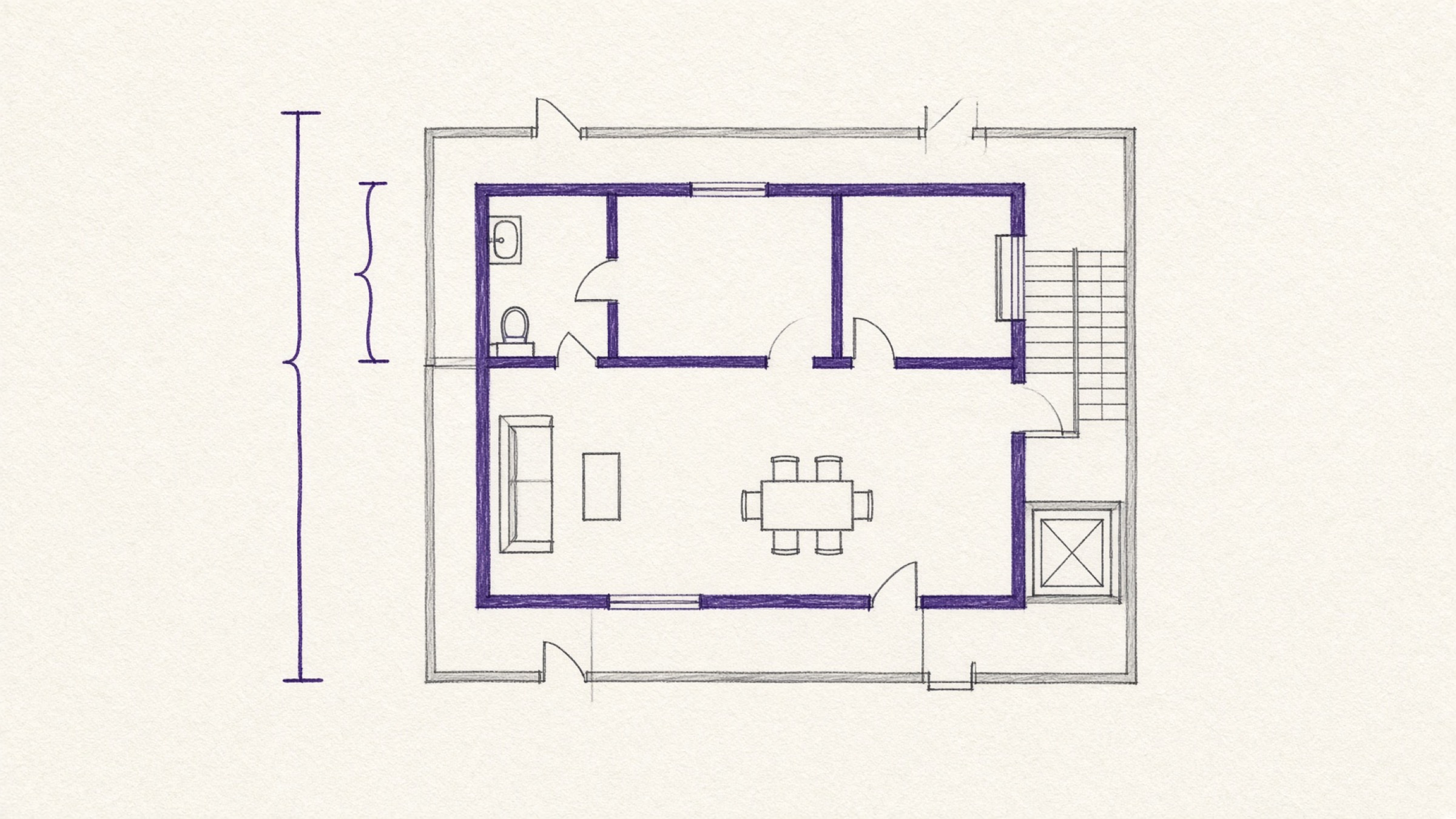
This is also where the term exclusive area ratio comes from. It is the share of supply area taken up by exclusive area, so the higher it runs, the more space you actually use within a given advertised size.
The figure differs by complex and by building. Reading both areas listing by listing, rather than trusting one pyeong conversion, is the accurate way to go.
Can I not just divide by 3.3?
Rounding one pyeong to 3.3㎡ is a widespread habit. It is convenient, but the true value is 3.3058, so every rounded conversion drifts a little.
| Area | Divided by 3.3 | Divided by 3.3058 |
|---|---|---|
| 84㎡ | About 25.45 pyeong | About 25.41 pyeong |
| 300㎡ | About 90.91 pyeong | About 90.75 pyeong |
When you are only sizing up one home, that gap is safe to ignore. What is worth remembering is that a converted pyeong figure is only ever a feel for the size. If the number is going onto a document, write the square-metre value as it stands rather than the converted one.
To check a figure straight away, drop it into the pyeong to square metre converter. It calculates with the exact 400/121 constant, and typing into either box fills the other automatically. The same page carries a quick reference table of the areas people look up most.
What changes for you
Once you know what the two figures are, the order in which you read a listing changes. The advertised size is closer to a nickname used to compare one complex against another, while the exclusive area tells you how much space you will actually live in.
Whether the furniture fits and how many rooms you get are all questions about the space inside your own front door. So when you view a listing, it helps to make a habit of reading the figure written in square metres alongside the advertised size.
- Read the square-metre figure, not just the advertised size on the card
- Confirm what scope the area on the document actually counts
- Compare two listings only on the same kind of area
- Plan furniture from real room dimensions, not the advertised size
Areas on a contract and on the property register are written in square metres. If the advertised size seems at odds with the number on the paperwork, the two are most likely counting different scopes, so ask your licensed real estate agent what that number measures before you sign.
If you photographed the register and the contract on your phone while you were comparing listings, image to PDF bundles those shots into one file, which makes the areas easier to line up side by side later.
Is pyeong a unit you can no longer use?
The statutory unit of measurement for area is the square metre. Article 6(2) of Korea's Act on Measurement prohibits using a non-statutory unit in measurement or in advertising.
Article 6(3) of the same provision then allows one to be displayed alongside the statutory unit where the prescribed display requirements are met. That is the opening a pyeong conversion sits in.
Official documents and notation are therefore standardised on square metres, and pyeong lives on as a customary way of judging size. Rather than treating one as right and the other wrong, it is easier to remember that the number that goes on the record is in square metres.
If you need a ruling on a specific display obligation, check with the competent authority.
The pyeong conversion in one line
84㎡ is 25 pyeong and 34 pyeong not because the arithmetic failed, but because two areas counting different scopes were each converted. The space you will live in is the inner figure, and the number that goes on the record is in square metres.
If the figures on the listing you are looking at do not add up, put them through the pyeong to square metre converter.
References
- Korean Law Information Center, Act on Measurement, Article 6 (Prohibition on the Use of Non-Statutory Units). View the statute
- Korean Law Information Center, Housing Act and its subordinate regulations: classification and display standards for housing areas. View the statute