Making a Stamp in a Hurry - How Far Do You Need to Go?

The moment that sends you looking into making a stamp is always the same. An email lands asking you to seal the contract and return it today, and you have neither a physical seal nor a scanned signature to hand. Getting a seal carved would take days you do not have.
What trips people up here is how far they actually need to go. Some documents are perfectly served by a seal you create in the next two minutes. Others are not.
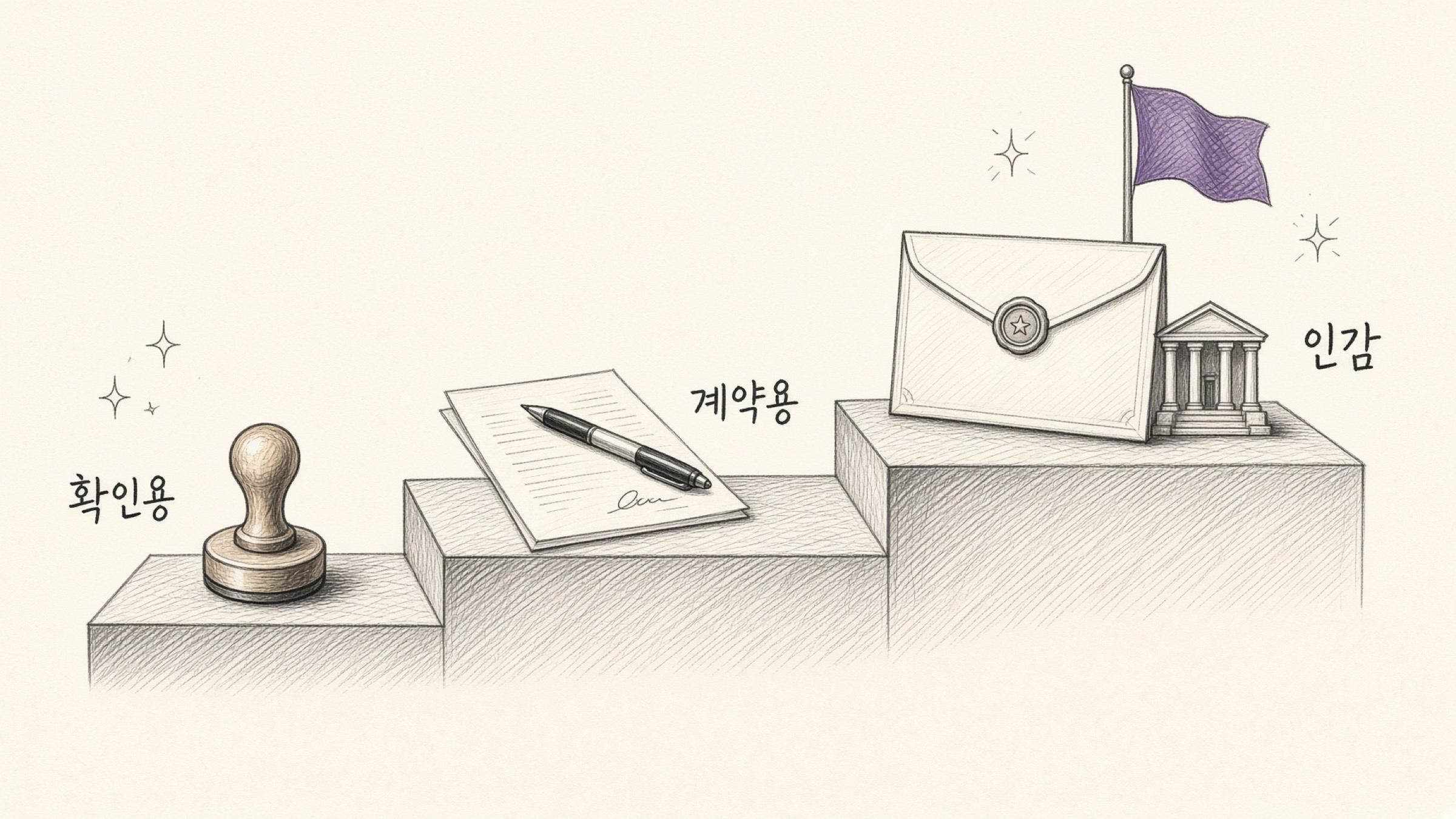
- A way to tell which of the three levels your document sits at.
- The line between what an instant seal covers and what it does not.
- How to make a seal and a signature and place them on a PDF.
A seal or signature is a mark that stands in for the person named. Creating one in someone else's name and using it on a document can amount to forgery or fraudulent use of a private seal under Article 239 of the Criminal Act, or forgery of a private document under Article 231.
The same applies to company seals and corporate registered seals. Without delegated authority to use one, do not make one.
Before making a stamp, which level is your document?
Situations calling for a seal divide into three levels. Each step up adds something to prepare, but most everyday paperwork stops at level one. Start by placing your own case.
Documents whose purpose is marking that you checked something. Transaction statements, order confirmations, event registration forms, consent notices. A seal or signature made right now is generally sufficient here. No registration, no certificate.
Contracts where money and obligations change hands. Unless a registered seal is demanded, these can be handled with an instant seal or signature too. Because disputes are possible later, keep your copy of the contract safe and confirm the other party sealed it the same way.
Procedures requiring a certificate of seal impression. An instant seal cannot substitute here. The seal must be made and then registered as your in-gam at a community service centre.
In some cases a certificate of personal signature can be used instead. Procedures keep shifting, so always confirm the recipient's current guidance.
What separates levels 1 and 2 from level 3?
The type of seal is not what makes a contract valid. As a general matter, a contract is formed by the meeting of minds between the parties. What differs is not validity but evidentiary weight.
Evidentiary weight means how well you can prove who made the impression when that becomes disputed. A registered in-gam seal used with a certificate of seal impression proves it strongly, while a seal made on the spot is comparatively weak if the other side claims the impression was not theirs.
Hence the split: registered seals for procedures that require registration and certification, instant seals for everything else.
| Type | When you need it | Can it be made on the spot? |
|---|---|---|
| Registered in-gam seal (registration required) | Vehicle transfers, inheritance and gifts, any procedure requiring a certificate of seal impression | No (must be registered at a community service centre after being made) |
| Any other seal or signature (no registration) | Service contracts, transaction confirmations, internal consent forms, attendance confirmations | Yes, make it now and use it immediately |
Handling it electronically does not by itself void anything. Article 3(1) of the Digital Signature Act provides that an electronic signature may not be denied effect as a signature, signature-and-seal, or name-and-seal merely because it is in electronic form.
But that means electronic form alone is not grounds for rejection, not that effect is conferred automatically. Article 3(2) provides that an electronic signature has effect as a signature or seal where it is chosen under statute or by agreement between the parties.
Which is why agreeing in advance to exchange documents electronically matters. Whether an image seal qualifies as an electronic signature under the Act may be judged differently case by case.
Making a stamp: how does it actually work?
Nothing to prepare. You need a name.

- Enter your name in Stamp Maker: pick a circular or oval shape and it generates immediately
- Prepare a signature too with Signature Maker: draw with a mouse or finger and it becomes an image
- Place it with Stamp a PDF: position it, save, done
The critical part is taking it as a transparent PNG. Make it a JPG and the white background comes with it, so laying it on a document leaves a visible white rectangle. For the text under the seal to survive, the background has to show through.
What gets missed when making a stamp under time pressure
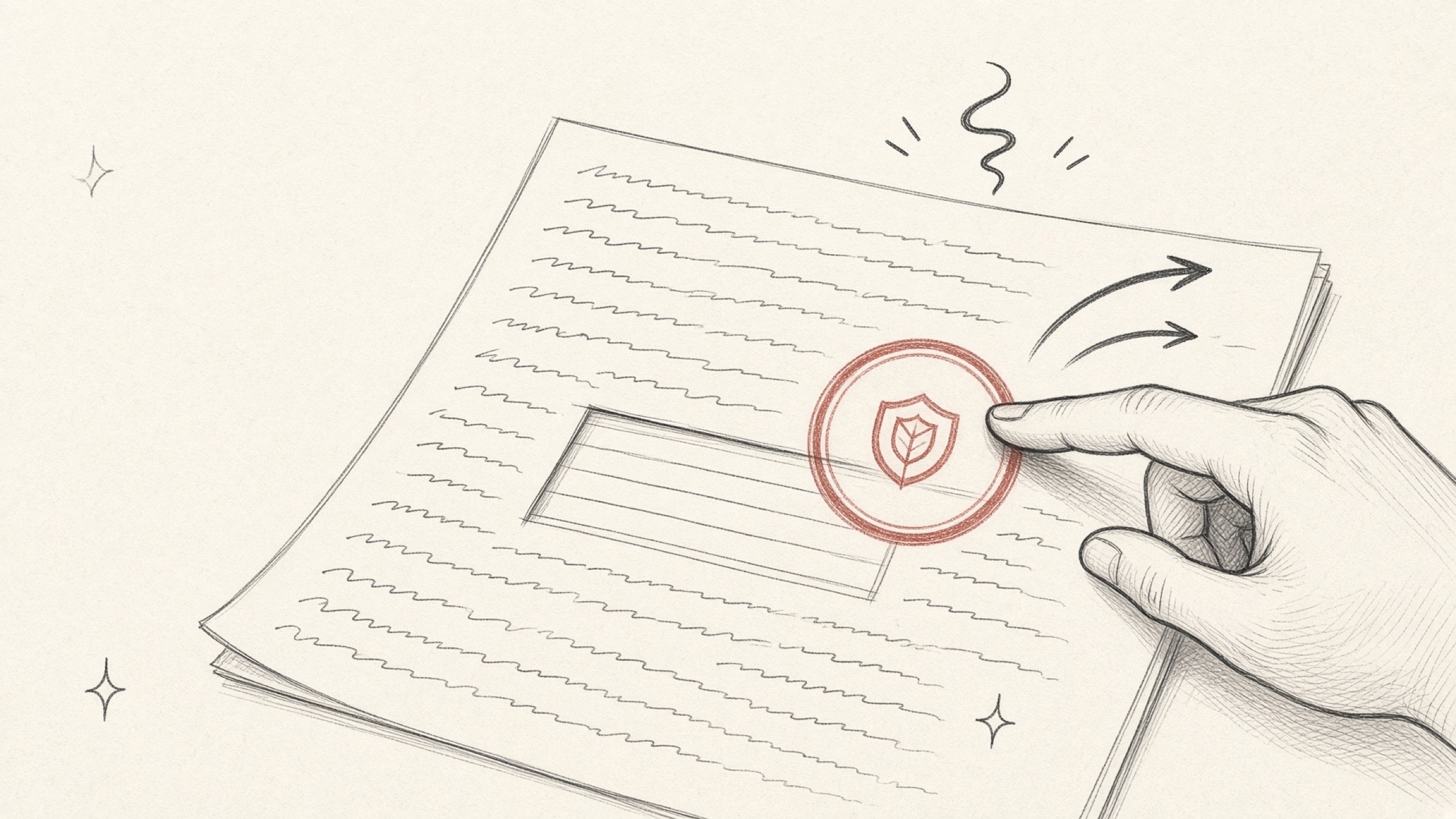
The most common one. If the counterparty or institution wants a registered seal with a certificate attached and you send an instant seal, the whole thing comes back. One check on the required method before sending removes the round trip.
Drop the image into a document editor, send that file as it is, and the recipient can click the seal and move it. Save it so the image is baked in, or stamp the PDF directly with a tool built for it.
A seal or signature image is itself a mark standing in for you. Left on a shared desktop or in a shared folder, anyone can use it. Clear it away after use, or keep it only in personal storage.
In one line
If a certificate of seal impression is requested, you are at level three and need registration. If not, something you make right now will do. Take it as a transparent PNG, and bake it into the document as an image.
If you need one now, Stamp Maker will produce it. Prepare a signature alongside it and the next urgent document finishes on screen.
References
- Digital Signature Act Article 3 (Effect of Electronic Signatures): "An electronic signature shall not be denied effect as a signature, signature-and-seal, or name-and-seal solely on the ground that it is in electronic form." Korean Law Information Center
- Seal Impression Act: procedures for registering and certifying a seal. Korean Law Information Center