Renamed, still the same file? - Image format conversion
When image format conversion is what you need, almost everyone reaches for the same move first. You click the file name and retype the .png at the end as .jpg. A warning box appears, you confirm it, the icon even changes, and it all looks done.
Then you upload that file to a submission site and it comes straight back as the wrong format. The name changed, but the inside of the file did not.
- know why editing the extension leaves the file untouched.
- be able to spot exactly where submissions and uploads get rejected.
- be able to decide for yourself whether to save as JPG or PNG.
What just happened? Renaming a file is not image format conversion
The tail on the end of a file name — .jpg, .png and the rest — is called the extension. It is literally part of the name. It is there so people can tell files apart at a glance, and your computer takes a first guess from it about which program should open the file.
That is why editing the name changes the icon and even the preview thumbnail. On the surface it looks like a success. But that is precisely where the change stops.
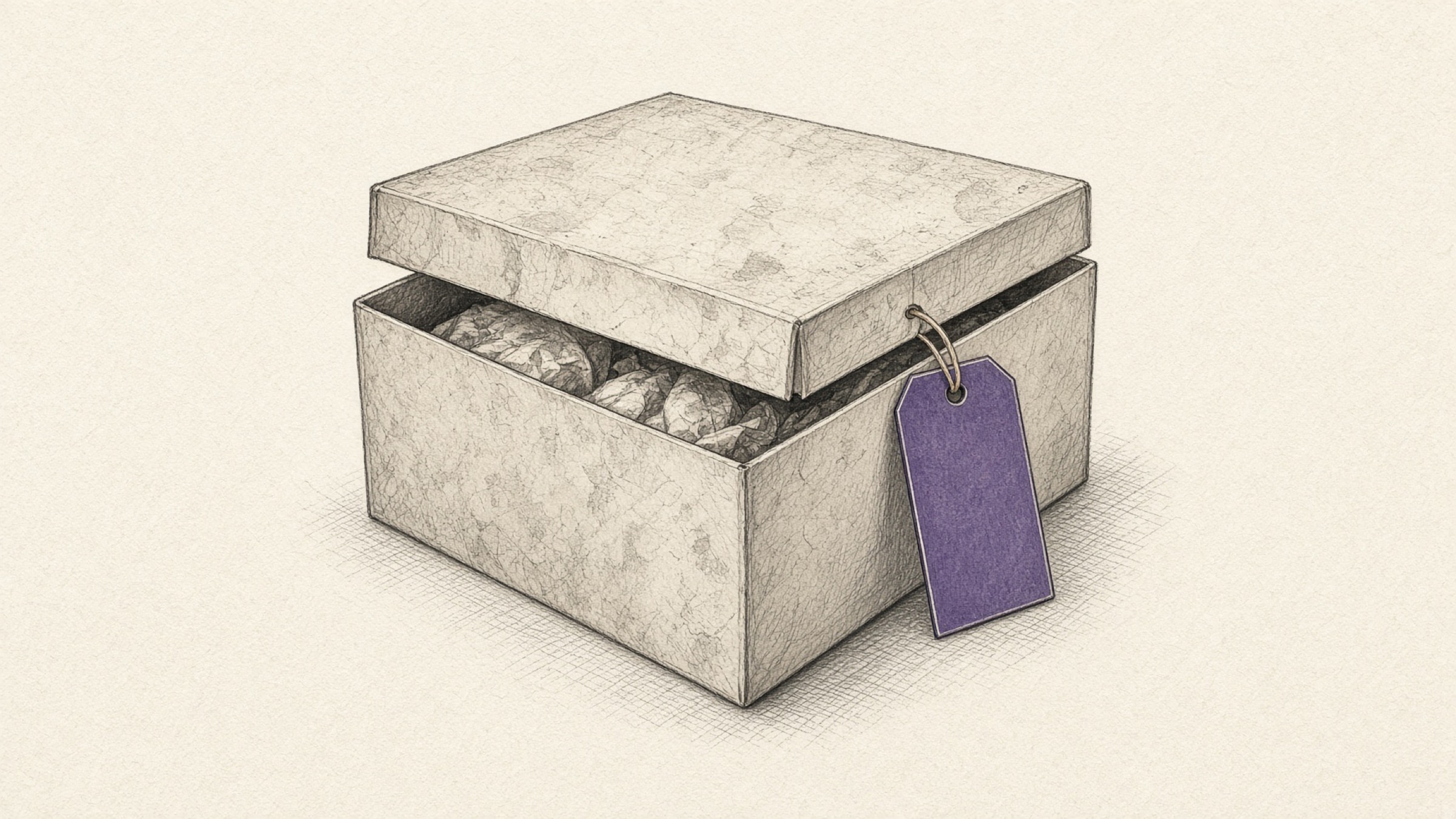
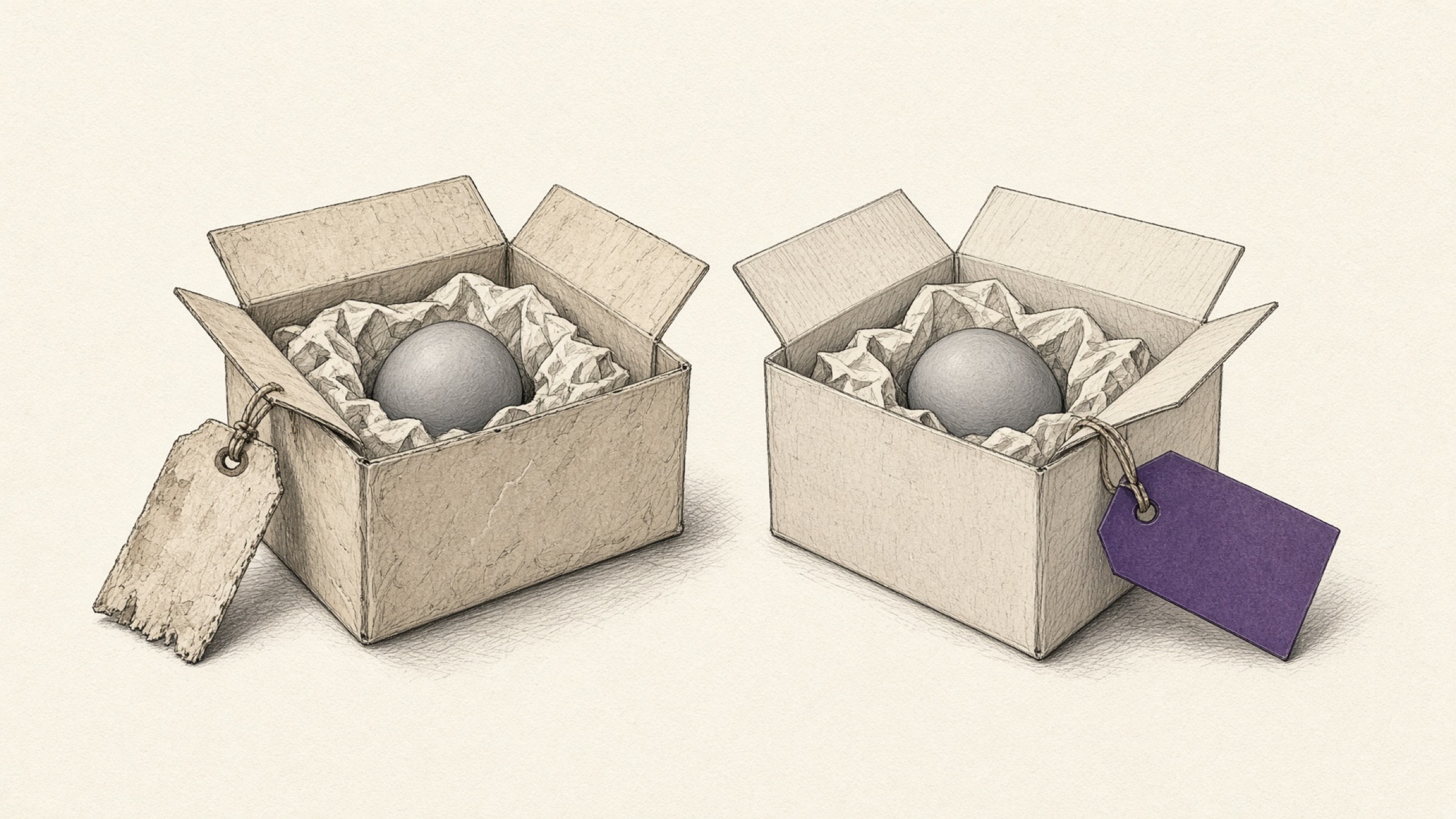
Not one byte of the data stored inside the file has been touched. Everything recorded the PNG way is still sitting there, with only the name pretending to be a JPG. It is a box with a fresh label on the lid.
Real image format conversion is a completely different job. It reads every bit of data inside the file, recalculates it and writes it out under the new set of rules. What you get back is not the original under a different name but a genuinely new file.
Why does this happen? A format is how the file records things inside
On screen a photograph is just a picture, but inside the file it is a run of numbers laid out according to rules that decide how colour gets recorded. Those rules are the format.
For the very same photograph, JPG compresses as it records, shedding differences your eye barely registers, while PNG stores the information without throwing any of it away. Because the recording method itself differs, the arrangement of numbers inside the file is wholly different too.
Most image formats carry a distinctive marker at the very start of the file announcing which format they are. Programs interpret a file by reading that marker and the structure behind it, not by reading the name.
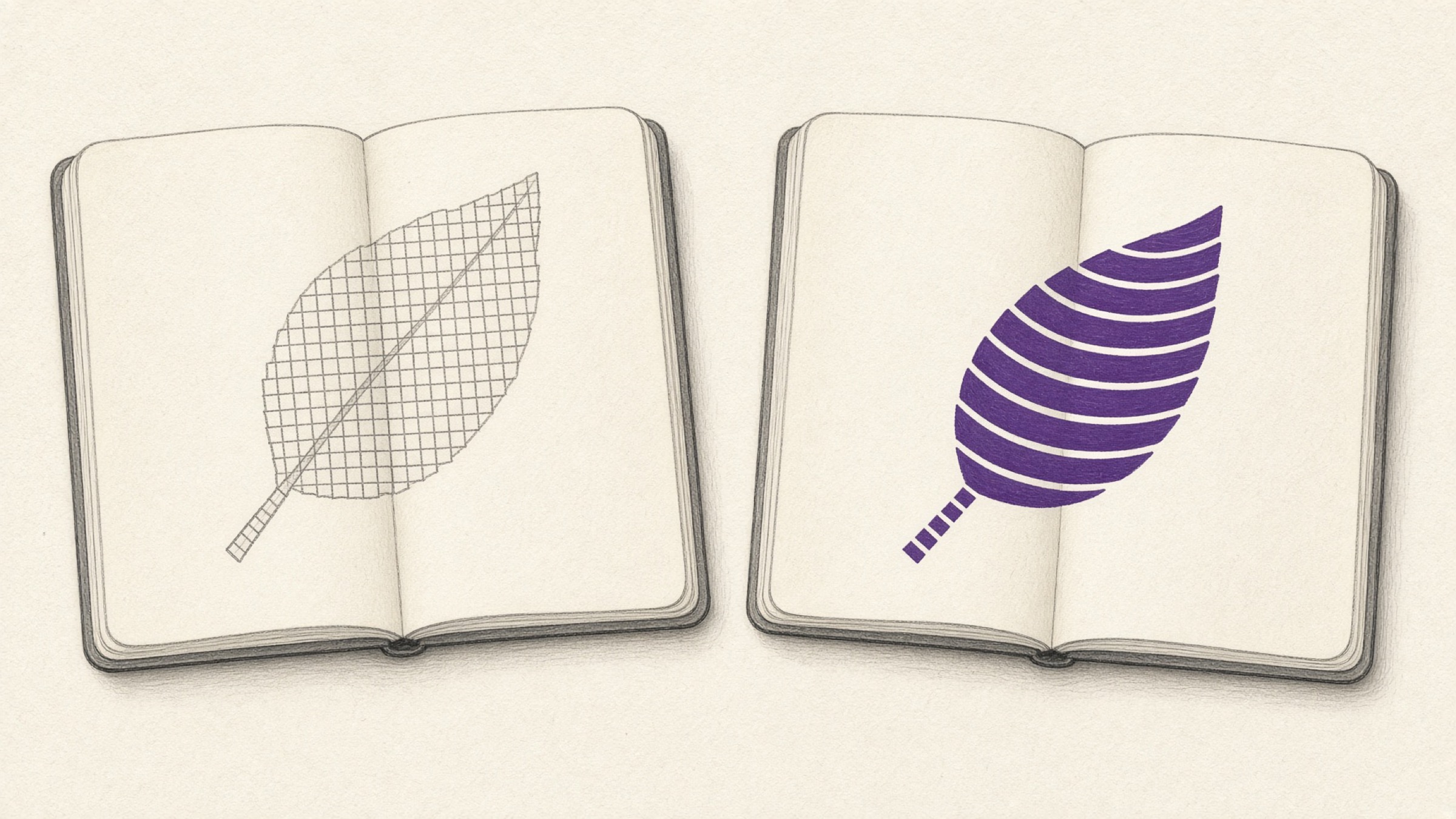
So a file that has only been renamed ends up in a state where the marker and the name contradict each other. From a program's point of view, it opened an envelope labelled JPG and found a document written under a different set of rules inside.
Forgiving viewers will read the marker and quietly open the file in its real format anyway. That is why the picture still displays perfectly after you renamed it, and it is what makes the whole thing so confusing. It opens fine on your own screen.
What does that mean for me? Submissions and uploads are where it splits
The trouble starts outside your own computer. The mismatch surfaces the moment the receiving side inspects the contents instead of the name.
Attaching a photo to an application, uploading documents to a government office, registering product images on a marketplace — wherever the format is written into the rules, the front of the file is read directly. A file named .jpg that is not one gets bounced on the spot.
The worse case is the one that fails quietly. The upload goes through, but the image renders broken on the recipient's screen, or comes out as a blank space at the printing stage. Tracing that back to its cause takes a long time.
The fix is simple. Put the name back the way it was, then re-save the file through image format conversion. Upload the file, choose the format you want, and you get back a file whose contents have been rewritten as well.
So should I pick JPG or PNG?
Once you have a file that will not be rejected, the next question follows: which format is the right one to save in? The two are good at different things.
JPG is the safe pick. On photographs where colours blend smoothly, it sheds differences you barely notice in order to shrink the file.
Plenty of places — ID photo submissions, forum attachments — insist on JPG outright, so it is easy on compatibility too. Just remember that each save sheds a little more, so keep the original somewhere separate.
Go with PNG. It is a lossless method that supports transparent areas, which is what you want for an image you have to lay over something else.
Screenshots and charts with crisp letters and lines also come out cleanly. The catch is that nothing is discarded, so saving a photograph as PNG can inflate the size considerably.
| Aspect | JPG | PNG |
|---|---|---|
| Compression | Lossy (sheds information) | Lossless (keeps everything) |
| Transparency | Not supported | Supported |
| Best suited to | Photographs, scenery | Logos, screenshots, charts |
| Size, same picture | Generally smaller | Generally larger |
If you need a transparent PNG, run the image through background removal first. And if the file is simply too big to upload, shrink it with image compression or resizing and try again.
How do I choose a conversion tool?
There are a great many services that will convert an image for you. Rather than one being better outright, one of them fits your situation better than the others. Three questions are enough to settle it.
- Is this file something you are happy to send outside? For portrait photos or identity-related images, check how they are handled and how long they are kept before you upload.
- Is this a one-off or something you will repeat? For repeat work, a sign-up flow or a daily cap turns directly into time you spend.
- Images only, or video and audio too? If the files you handle reach beyond images, you want a service that covers those formats as well.
The image format conversion tool covered here is free and needs no account, and you can upload several images at once and set the format for all of them. Photos are not stored on the server; they are discarded as soon as processing finishes.

The one-line version
Editing the extension swaps a name tag; image format conversion rewrites what is inside. When a file gets rejected, it usually started with treating those two as the same thing.
If you have a file that will not upload right now, put it through image format conversion and re-save it in the format you need. If dimensions or file size are the sticking point, pair it with resizing and image compression.
References
- MDN Web Docs, "Image file type and format guide": compression method and transparency support per format, with recommendations by use case. View the document
- W3C, "Portable Network Graphics (PNG) Specification": PNG file structure and the lossless compression and alpha channel specification. View the document